Stockity Login
Guide on how to log in to Stockity via the official website, common causes of failed logins, how to overcome forgotten passwords, and tips for avoiding fake login sites.
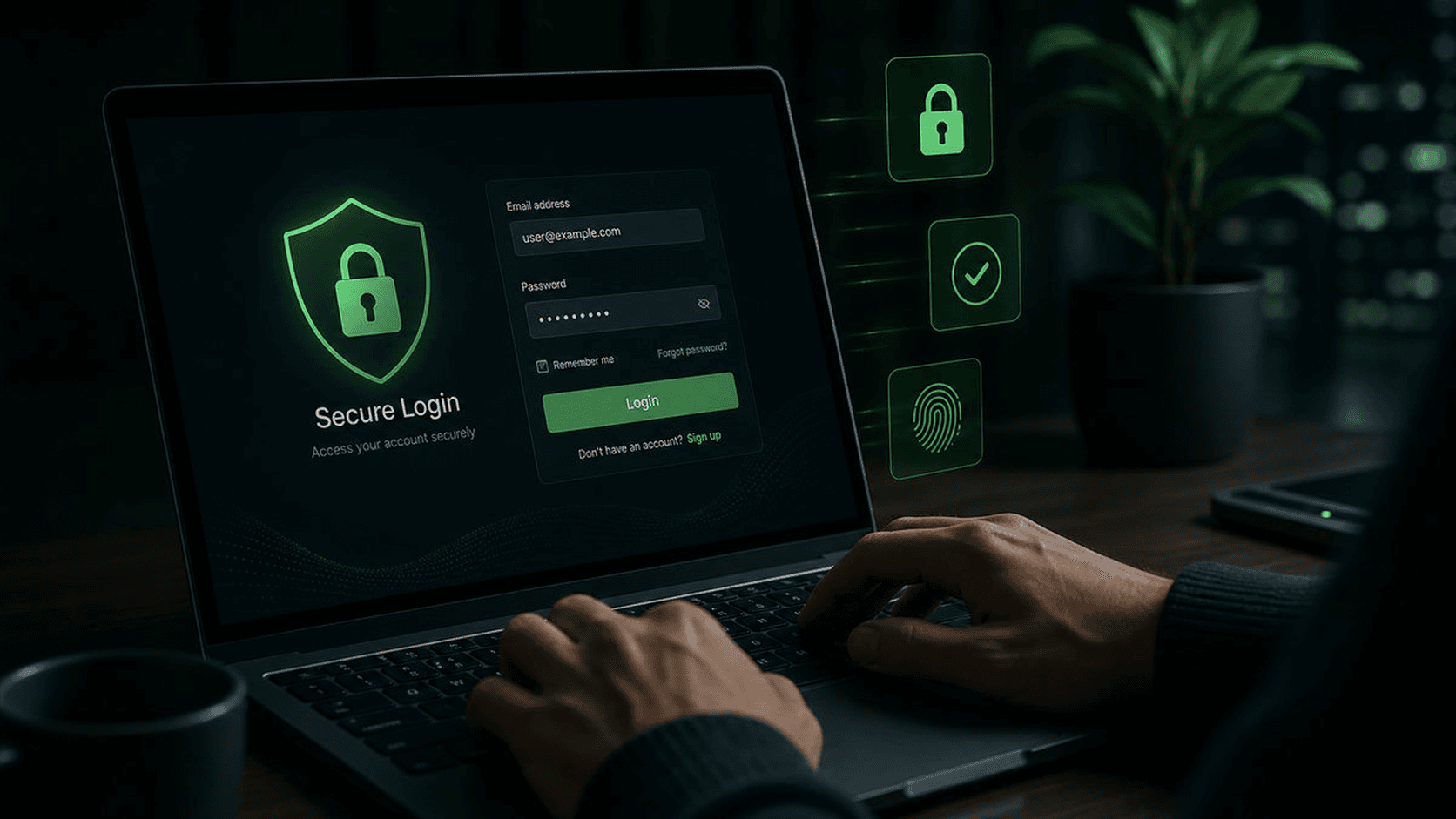
After having an account, the next step is to log in regularly to monitor your balance, continue practicing on a demo account, or make transactions. This guide explains the general Stockity login flow along with how to overcome problems that often arise.
Important: Stockity Unofficial is an independent information site and not the official Stockity website. Always log in only through official domains that you type or bookmark yourself, not from links sent by other people.
Before logging in, make sure you are on the official domain
Many cases of problematic accounts start with fake login pages that look similar to the original. Before entering your password, check:
- The domain name in the address bar corresponds to the official site that you saved yourself, not the result of clicking on an ad, DM or social media group.
- Connection uses HTTPS (there is a lock icon in the browser).
- No suspicious pop-ups asking for additional data beyond the standard login form.
When in doubt, retype the official address manually in the browser instead of clicking on the link the other party sent.
How to Login to Stockity Account
- Open the official Stockity website via a browser on your cellphone or computer.
- Look for the Login or Sign in button, usually in the top right corner of the main page.
- Enter the email or telephone number used when registering.
- Enter the account password.
- Complete additional verification if requested, for example OTP code or captcha.
- Once successful, you will be directed to the account dashboard (demo mode or real account according to the last choice).
On pre-recognized devices, some platforms may skip some verification steps. However, remain alert if you are asked for verification that feels unusual.
Login Via Application vs Browser
If Stockity provides an official app, the login process is generally similar — enter the same email/phone number and password as the web account. Download apps only from official app stores (App Store/Google Play) or download links on official domains, and check the developer name before installing any app.
Overcoming Forgotten Password
- On the login page, select the Forgot Password or Forgot Password option.
- Enter the registered email or telephone number.
- Check your inbox (including your spam folder) for password reset instructions.
- Create a new password that is unique and has never been used on another account.
- Log in again using the new password.
Never ask for help resetting your password through a private message from someone claiming to be support staff — the official process is always done via a form on an official domain.
Common Causes of Failed Login
| Problem | What You Can Try |
|---|---|
| Email/phone number not recognized | Make sure there are no typos; check whether to register with another email |
| Repeatedly incorrect password | Use the forget password feature, don't guess multiple times so that your account is not temporarily locked |
| OTP code not entered | Check the spam folder, make sure the number/email is active, wait before asking to resend |
| Account temporarily locked | Wait for the locking period to complete or contact official support for identity verification |
| The login page feels different than usual | Don't continue; close the page and reopen from the official domain bookmark |
Security Tips When Logging in
- Do not save passwords on public/shared devices or browsers.
- Enable additional verification (OTP/2FA) if the platform provides it.
- Never share passwords or OTP codes with anyone, including those claiming to be official support staff.
- Log out when finished when accessing from a device or public Wi-Fi network.
- Save the official website address as a bookmark so you don't go to a fake site by mistake.
- Immediately contact official support and change your password if you encounter unfamiliar login activity.
Conclusion
The way to log in to Stockity is generally quite simple: open the official domain, enter your email/phone number and password, then complete additional verification if requested. The most important part is to make sure you log in from the official domain and maintain the confidentiality of your password and OTP code.
The latest information regarding the login process, verification and account security can be checked directly at Stockity official. This article is educational in nature and is not an official login page.
Stockity Unofficial Editorial Team
Stockity Unofficial is an independent information portal and not the official Stockity website.